 PagefoldOpen converter
How to combine screenshots into one PDF
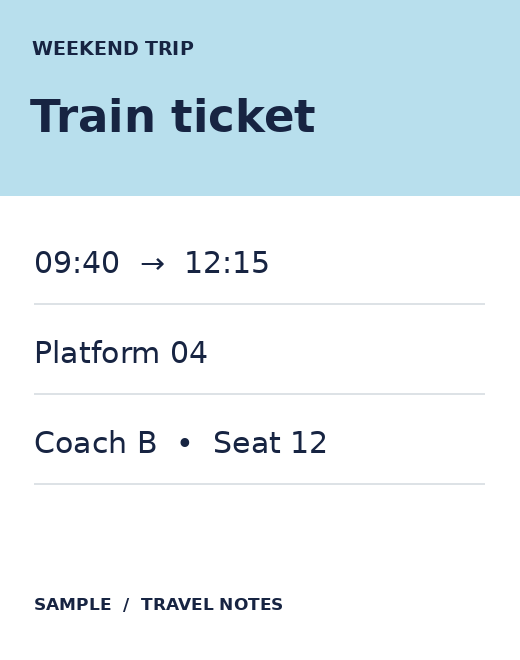
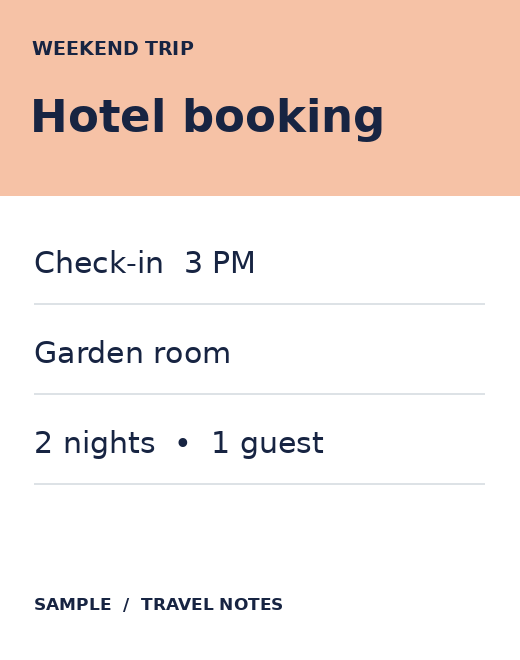
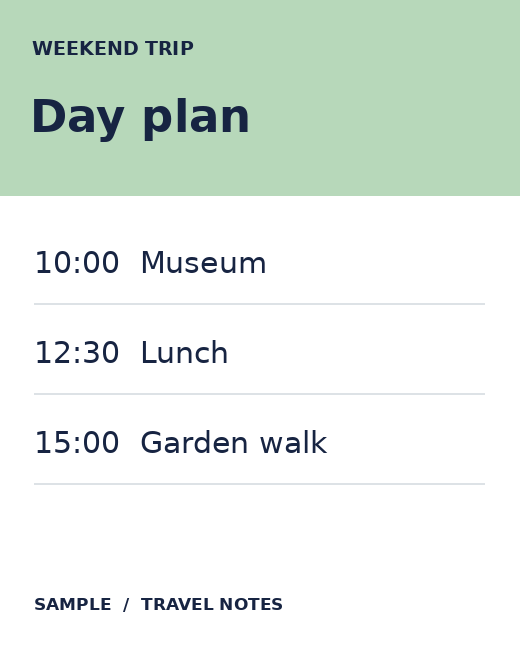
A train ticket, a hotel booking and a day plan. Put all three in one file before you leave.
Make your own travel PDF
- Open the converter and choose your JPG or PNG screenshots.
- Move the train ticket to the top with Up. The top image becomes page one.
- Select Fit to image to keep each screenshot’s proportions. Choose Download PDF and open the file from your downloads.